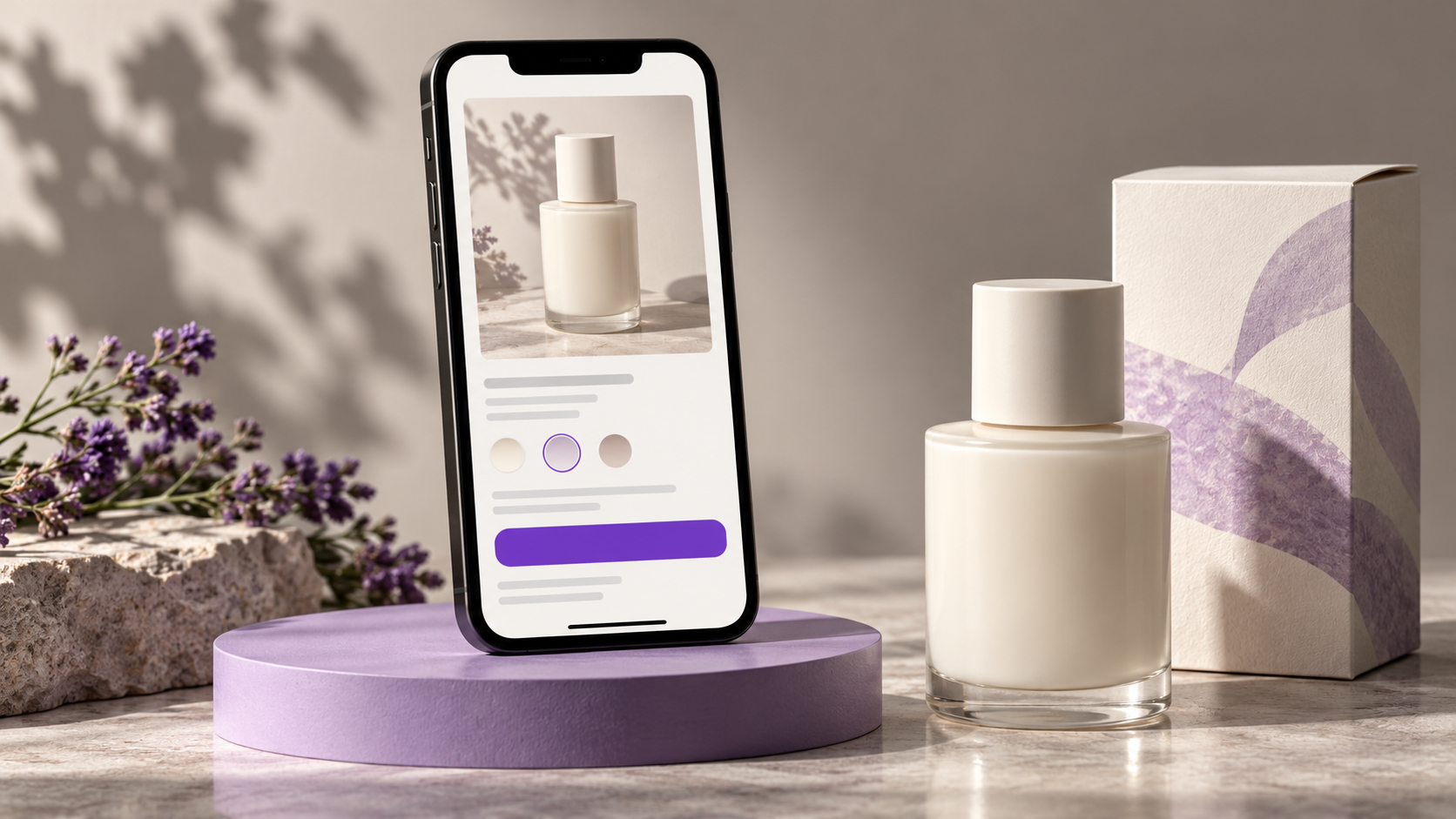
Optimizing product pages on Shopify can start with a simple exercise: open a product on your phone and try to buy it without using any information you already know about your store.
What size should you choose? What’s included in the package? When will the order arrive? What happens if the product doesn’t fit?
The store owner probably knows the answers to these questions. First-time shoppers need to find them on the page.
When I evaluate a product page, I look at the decisions the customer needs to make and whether the interface provides enough information to help them make those decisions.
Is it clear what the person is buying?
A name might make sense within the brand but mean very little to someone who’s just discovered it.
Imagine a home care brand selling a product called “Essential Kit.” The photo shows three bottles. Before buying, I’d like to know what each one is for, how much is in each, and whether the price includes the entire set.
This information needs to be displayed in an easy-to-find place. The user shouldn’t have to scroll through the entire page to understand the offer.
I would check to see if the checkout area explains:
- What the product is and who it’s intended for.
- What is included in the listed price.
- Which options need to be selected.
- Whether there are any important restrictions or requirements for use.
The brand can still maintain its personality. A straightforward explanation helps the customer connect with that personality without having to guess what’s being sold.
Do the photos answer different questions?
Five very similar photos don’t always add more value than three well-chosen photos.
For a bag, I’d like to see how it looks when worn, the internal compartments, and the finish. For a piece of furniture, the context of use and the dimensions can be decisive. For a cosmetic product, the texture and the size of the packaging can clarify any questions.
I’d consider the purpose of each image before organizing the gallery.
On a cell phone, I’d also check whether it’s possible to see the details and understand how to navigate between the photos. A nice crop can be a hindrance if it hides the very part someone wants to see.
Is it easy to choose size, color, or quantity?
The options need to clearly show what’s selected.
If the user changes the size, is that change obvious? If the price changes, does the new price appear? If a combination is unavailable, does the store explain this before the user attempts to purchase?
I also like to check the color names. Two shades can look very similar on the screen, and relying solely on the appearance of the sample doesn’t work for everyone.
Another detail is to test options with longer names. A layout that works for “Small” may need adjustments for a kit with a long description or for a translation.
Where is the shipping and return information?
A customer might like the product but still hesitate because they’re not sure if it will arrive on time.
I would include a brief, accurate explanation near the checkout area, with a link to the full policy. If delivery times depend on the address, this needs to be made clear. If shipping costs will be calculated later, explain at which stage.
The same care applies to returns. A summary helps, as long as it accurately reflects the actual policy and doesn’t hide important conditions.
In an international store, this information needs to make sense for the target market. A “free shipping” message valid only for a specific country can create false expectations if it appears to everyone without any explanation.
What else is on the screen alongside the product?
A cookie notice, newsletter sign-up, customer service button, and sticky shopping bar can take up a lot of space when they appear together.
That’s why I’d open the store as a new visitor. A clean preview of the theme doesn’t always show what happens during an actual visit.
A sticky “Add to Cart” button can be useful on a long page. Before adding it, I’d check to see if it covers other elements and if it correctly accounts for the selected options.
The key is to be able to navigate the site, understand the product, and make a purchase without having to close windows along the way.
Continue testing after adding to the cart
The product page and the cart need to work together.
After adding an item, I expect to see a clear confirmation of the product, the selected option, the quantity, and the price. I also need to be able to correct a selection and proceed to checkout.
If the store sells kits, check exactly which items are added to the cart. If customization is allowed, make sure the information you entered is included with the order.
It’s also worth testing what happens when something goes wrong. An error message should explain the problem and provide guidance for the next step.
These details can go unnoticed when the evaluation focuses solely on the button’s appearance.
What should you improve first?
Start with the information you already have: customer questions, customer service messages, page visits, items added to the cart, and completed orders.
If many people ask what’s included in a bundle, clarify the contents. If customers are having trouble choosing an option, investigate that interaction.
When comparing mobile and desktop, also consider where the visits are coming from. Different audiences and campaigns may exhibit different behaviors.
A design analysis helps identify potential pain points. It doesn’t prove that every abandoned cart was caused by the interface. Price, shipping, availability, and interest in the product also influence the decision.
Optimizing product pages on Shopify doesn’t always require changing the theme. Improving a specific area may be a more appropriate first step.
If you’d like to review your store’s user experience, send me a product page and let me know what’s concerning you. That way, we can identify what needs design work and what needs development.