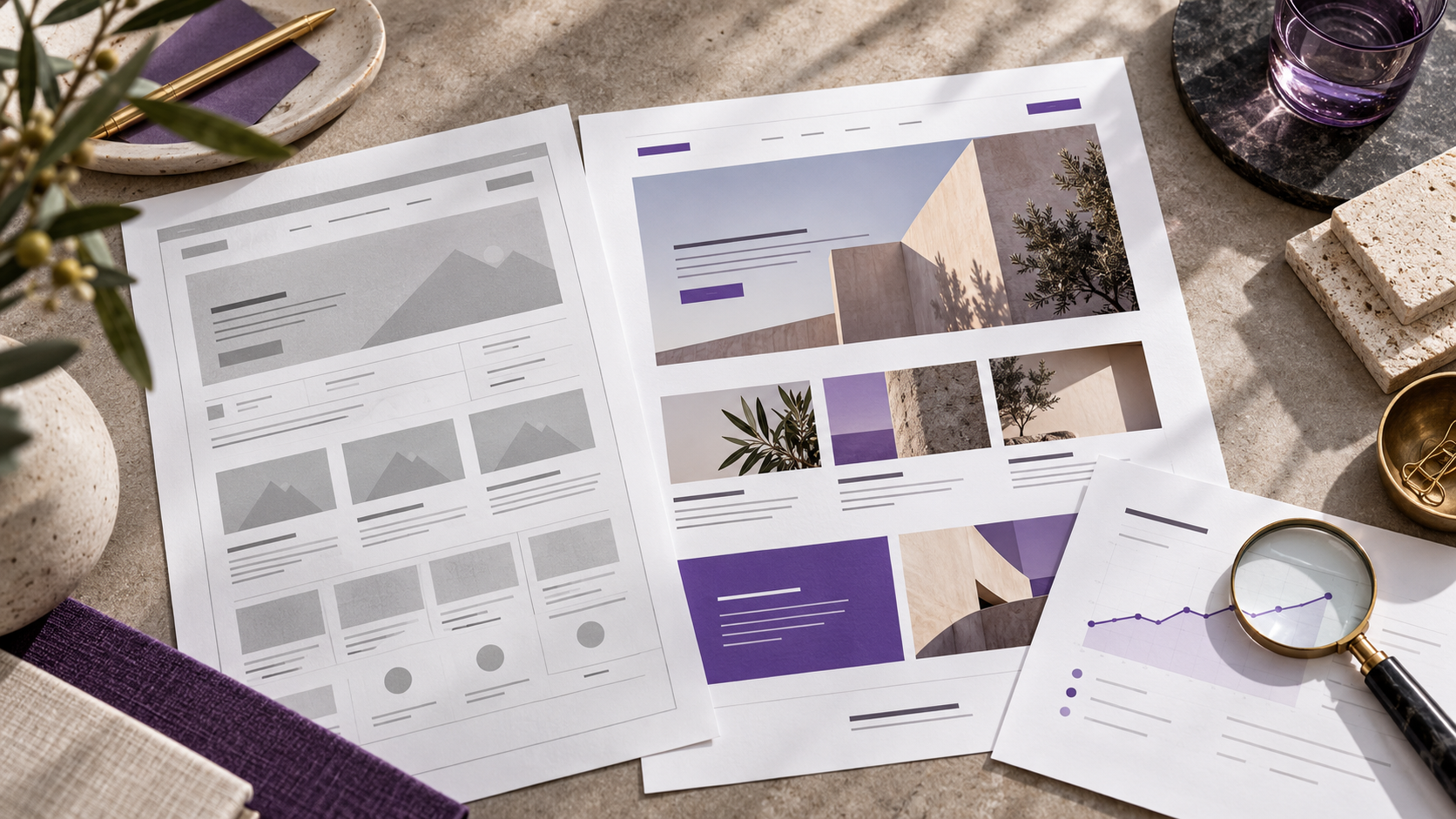
A website redesign that preserves SEO starts with understanding what’s already working. Before changing the layout, I want to know which pages people are finding, what they’re looking for on those pages, and how those visits turn into leads.
An older website may have useful content, relevant links, and pages that continue to bring in customers. This needs to be part of the conversation when someone decides to revamp everything.
If you’re thinking about revamping your company’s website, these are the points I’d analyze before focusing on the design.
Which pages are already driving traffic to the site?
The homepage usually gets all the attention. But a service page, an article, or a page about a region served might be the first thing a potential customer comes across.
Imagine a remodeling company. The website looks outdated, but the page about kitchen remodeling gets visits from people looking for exactly that service. Replacing everything with a pretty, generic page could eliminate important information for that audience.
That’s why I’d start with a list of existing pages and a few questions:
- What is the purpose of this page?
- Does it receive traffic from searches relevant to the business?
- Does it help generate leads or answer questions before a client hires the company?
- Is the content still accurate?
- Should it be kept, improved, merged with another page, or removed?
These answers help determine what’s worth keeping. They also prevent you from wasting time reworking a section that works fine while a major issue goes unaddressed.
What really needs to change?
A page may need better organization, more appropriate photos, and a simpler form. That doesn’t mean the URL, the main topic, and all the explanations need to change as well.
I like to separate these decisions.
If the text is hard to read, it might be possible to improve the headings, break up the paragraphs, and reorganize the information. If it describes a service the company no longer even offers, a more extensive revision is needed.
I also wouldn’t remove useful information just because it takes up more space in the new layout. Questions about customer service, deadlines, and how the service works can make a difference for someone considering reaching out.
Coordinate URL changes before development
The URL is the address of each page. If a page continues to serve the same purpose, it may make sense to keep that address.
When a change is necessary, the old address must have a planned destination. A page for a specific service should lead to the corresponding new page, once it exists.
Google recommends mapping old addresses to new ones and using permanent redirects for permanent changes. Sending all removed pages to the homepage is no substitute for this planning.
I would include this responsibility in the project scope: which URLs will change, who will set up the redirects, and how they will be verified.
The new layout needs to work with the actual content
A screen might look great with a short title and three paragraphs of the same length. The company’s content might require a longer service name, an explanation of pricing, or an important condition.
I prefer to figure this out during the design phase.
Using text that’s close to the final version helps determine whether the structure is appropriate. It also reduces the chance of cutting information just because it doesn’t fit within the approved layout.
On mobile, this concern remains. Users accessing the site on a smaller screen also need to understand the service, check relevant information, and find a way to contact the company.
Test the path to the contact form
In addition to finding the website, users need to be able to accomplish what they came to do.
Before launch, I would walk through the path of a potential customer: open a service page, find the contact button, fill out the form, and check the confirmation.
Some checks are simple but important:
- Does the message go to the correct email address?
- Does the form explain which fields are missing?
- Is it possible to correct an error without losing all the data?
- Does the scheduling link open the correct calendar?
- Does contact tracking still work?
- Can the company representative edit the agreed-upon information?
These points need to be included in the review along with the visual design. A page that looks good in the browser may still hide a problem with functionality.
What should you monitor after publication?
Before changing the website, take note of its current state. Then, monitor the pages and incoming contacts, as well as the total number of visits.
Google notes that significant changes can cause fluctuations while pages are being crawled and reindexed. It would be irresponsible to promise that all rankings will remain exactly the same.
If there’s a drop, it’s worth investigating which pages were affected. Check the link destinations, redirects, and the content of those pages before drawing conclusions about the entire project.
Do you really need to rebuild the entire website?
In some cases, improving the page structure and content presentation solves a significant part of the problem. In others, the platform makes updates so difficult that a rebuild might make sense.
I would make this decision after understanding the current website, the editing workflow, and the necessary features. A rebuild must have a practical business justification.
Since I work with UI/UX and development, I can address these decisions within the same project. If you’re planning a redesign, send me the current website and let me know what you’d like to improve. We can start there.