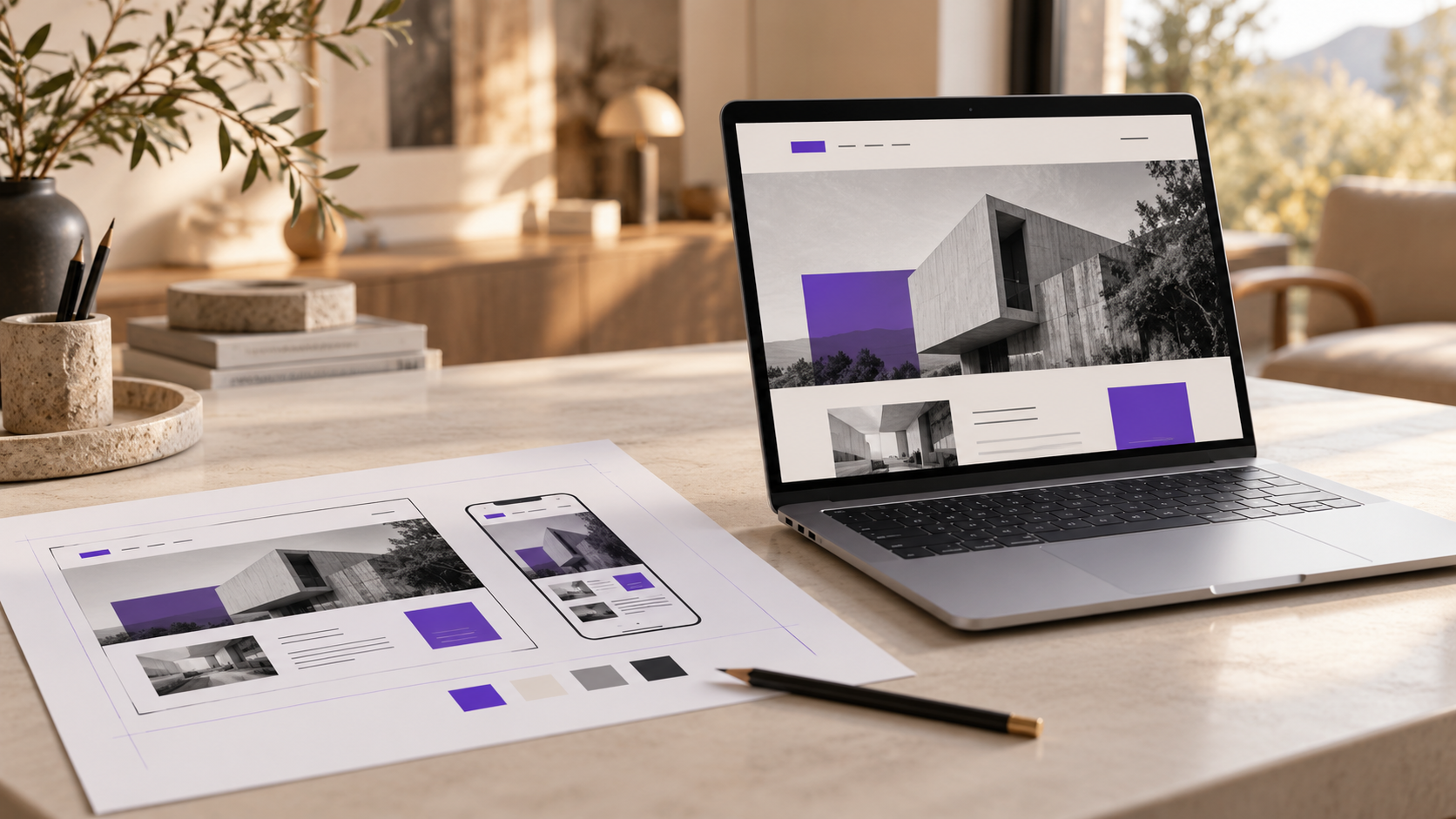
Taking a Figma project to a website might seem like a straightforward task: the design is ready, so now someone just needs to build it.
Until the questions start coming up. Who will edit the pages? How does the menu work on mobile? Where does the form send the contact information? Is the scheduling tool included in the price?
Since I work with UI/UX and development, I like to clarify these points before estimating a project. They influence the timeline, the budget, and what you’ll be able to do after launch.
How many pages are there, and how many different page layouts are there?
A website with ten pages can involve very different types of work.
It could be ten pages, each with its own layout. Or it could be a homepage, a contact page, and eight service pages that all share the same structure.
The budget needs to specify which layouts will be developed, which ones can be reused, and how many pages will be populated before delivery.
If there’s a blog, for example, it’s worth clarifying whether the list of articles, the template for each post, the categories, and the inclusion of existing content are included.
Simply writing “blog included” leaves too many details open. A more concrete definition helps both sides understand the scope of the work.
What happens between the designed screens?
A computer screen and a mobile screen show two examples. The website also needs to function at intermediate screen widths.
Think of a sequence of service cards. At what point does it switch from three columns to two? What happens when a title spans three lines? Do all the cards remain easy to read?
It’s also necessary to define the behavior of menus, forms, and sections that open or close.
A form, for example, needs to account for empty fields, submissions in progress, confirmation, and errors. A correctly filled-out form represents only part of how it actually works.
These decisions may be documented in the design or resolved during development. The important thing is that there is room for this work within the scope.
What do you need to be able to edit?
When someone requests an editable website, I like to understand how updates will work in practice.
Changing a title is different from creating a new service page. Replacing a photo is different from reorganizing all the sections.
A real estate company, for example, may need to add pages for regions it serves, update information about neighborhoods, and change contact details. This requires a content structure that facilitates these tasks.
A list of the most frequent updates helps define the CMS—the system used to manage the content.
I also find it helpful to test editing an actual page before building the rest. This makes it easier to see if the fields are clear and if the person in charge of the website can work with them.
Which integrations need to work?
Figma can display a calendar, a property search, a payment button, or a newsletter sign-up form. Each of these elements depends on some form of implementation.
For each integration, I would clarify:
- Which tool will be used and who manages the account.
- Whether it will be necessary to sign up for a plan or provide credentials.
- What the visitor needs to be able to do.
- What information needs to be transferred from one system to another.
- Which parts of the appearance can be customized.
This last point deserves attention. An external tool may have limitations regarding size, structure, or style.
I prefer to check this before promising an exact reproduction of the design. When there are restrictions, we can discuss an appropriate solution while the project is still in the planning stages.
Who provides the text and images?
Someone needs to write the final content, select the images, and confirm that they can be used on the website.
The quote should specify whether content creation is included and how content changes will be handled after development begins.
Actual text may alter the layout. A longer product name, a more detailed explanation, or a translation may require more space than originally anticipated.
If the website supports multiple languages, it’s also important to define which pages will be translated, who will provide the translations, and how visitors will access each version.
When it comes to images, it’s worth coordinating how cropping behaves. A photograph that’s well-positioned on a Figma canvas needs to continue making sense when the browser width changes.
Are testing and deployment included?
Before approving the proposal, find out how the review process will work and who will be responsible for launching the website.
I would include verification of the main visitor paths, forms, links, different screen widths, keyboard navigation, and combined editing tasks.
It also needs to be clear who handles hosting access, domain configuration, legacy URLs, and analytics tools, when they are part of the project.
These responsibilities exist even when they aren’t listed in the design file.
Another point is the period after launch. How will any issues found be corrected? What will be considered a fix to the delivered work, and what will be considered a new feature?
How do you compare quotes?
Before comparing prices, review the deliverables.
One proposal may include editable templates, content populating, integrations, and post-launch support. Another may cover only the visual implementation of the pages.
Both may address different needs, but they do not represent the same scope of work.
A clear proposal should outline the scope, responsibilities, dependencies, and delivery criteria. You need to be able to understand what will be working once the project is considered complete.
If you already have a design and want to take the project from Figma to a website, send me the file link and a description of what needs to work. With that, I can assess the work and discuss an implementation that’s appropriate for the project.